
Government Record Verification
Government Record Verification automatically compares the identity data extracted from the user's document against the records held by the corresponding government entity — such as the INE in Mexico or the Registraduría in Colombia. The verification runs in the background and presents the user with a clear outcome once the check is complete.
Government Record Verification typically occurs after the document capture or upload step, once identity data has been extracted and is ready to be validated against the official government source.
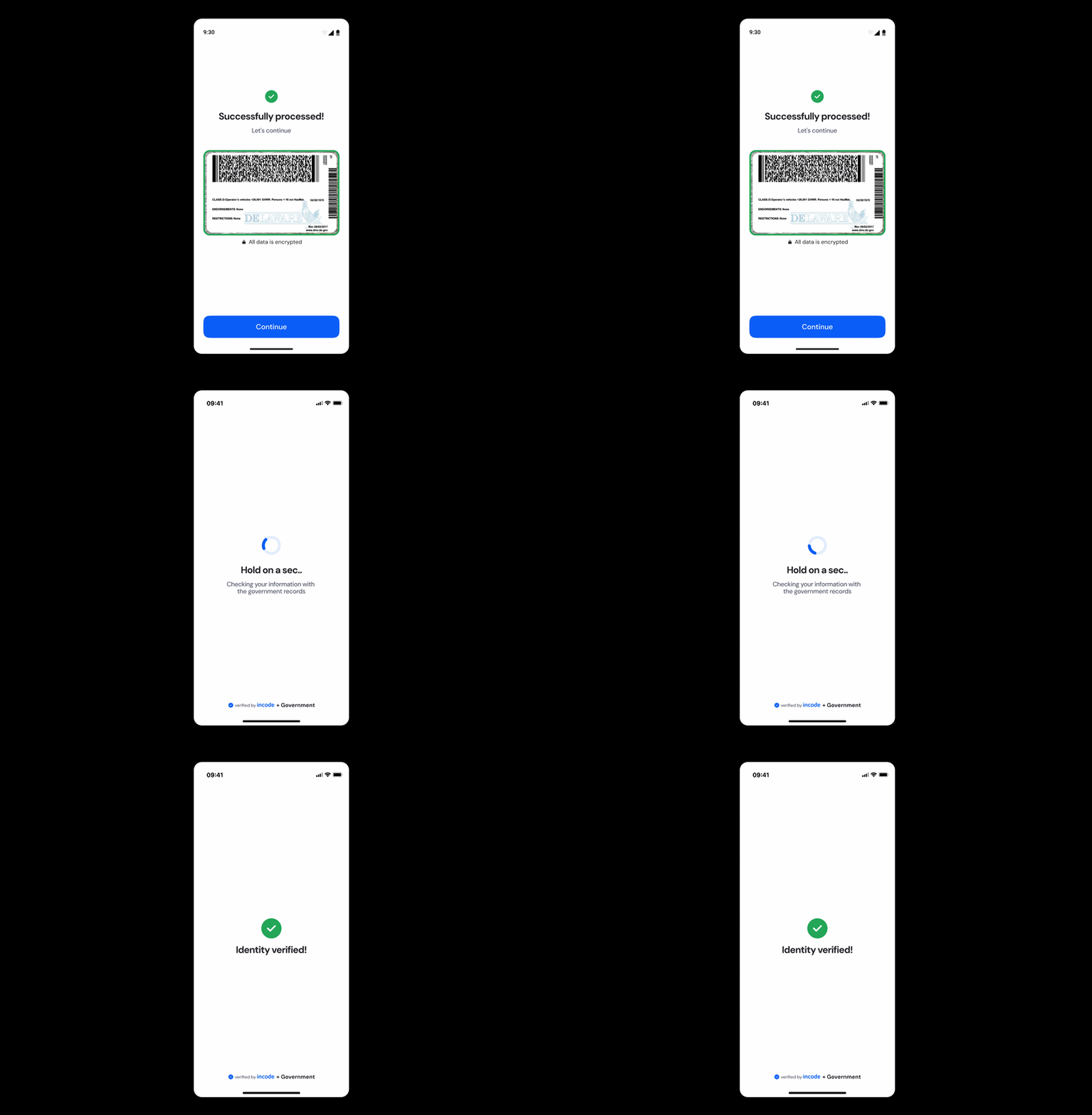
Where it fits in the flow
Government Record Verification usually appears after the document capture or upload step as part of the identity verification pipeline.
Once the module completes the comparison against the government records, the flow continues to the next verification step or presents the final result, depending on the outcome and the downstream logic configured in the application.
User Flow
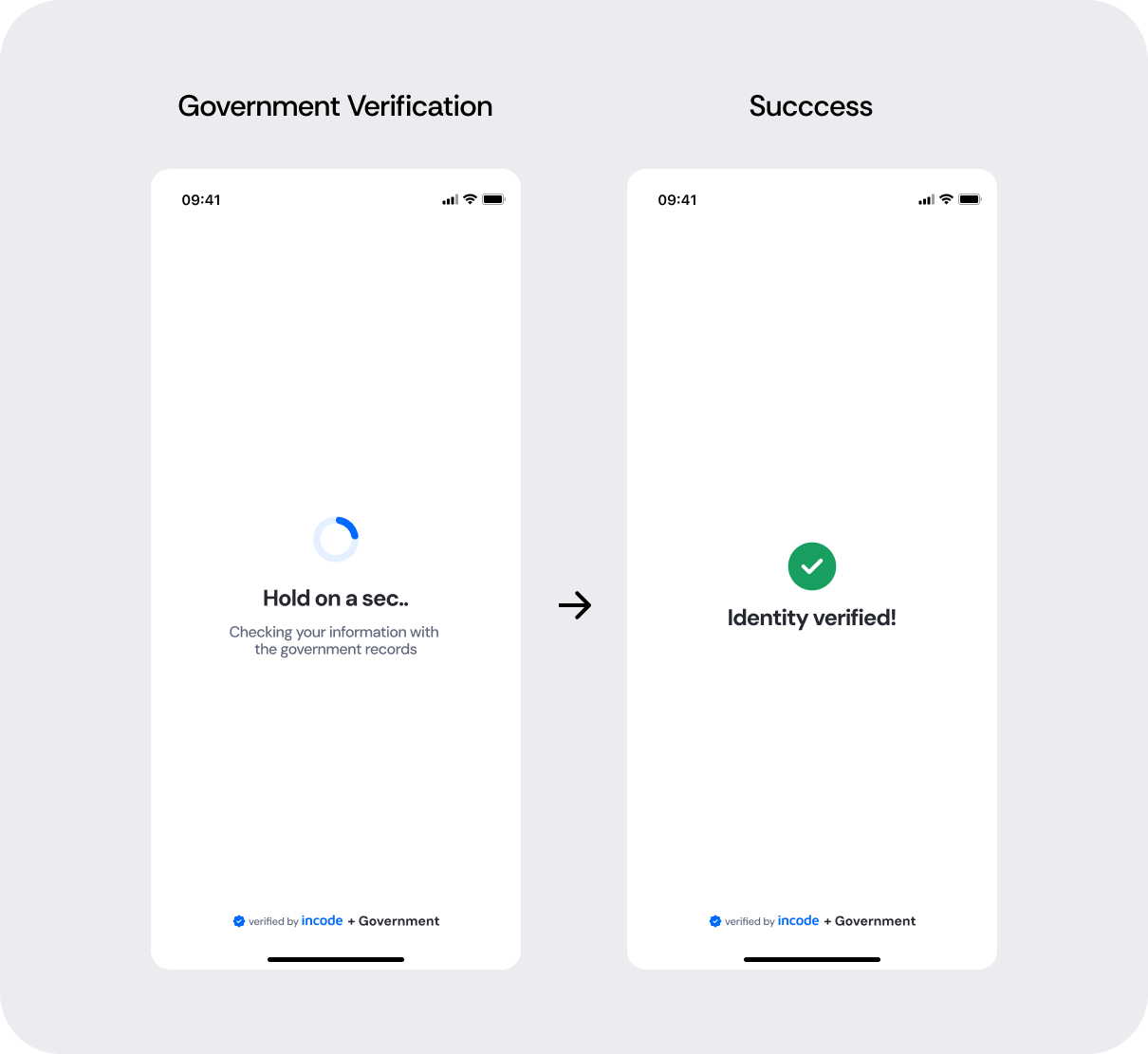
The Government Record Verification experience is designed to be transparent and reassuring. The user is informed that their identity is being verified while the module runs a background check against the relevant government source.
Once the verification completes, the user receives a clear success or error state and the flow continues accordingly.
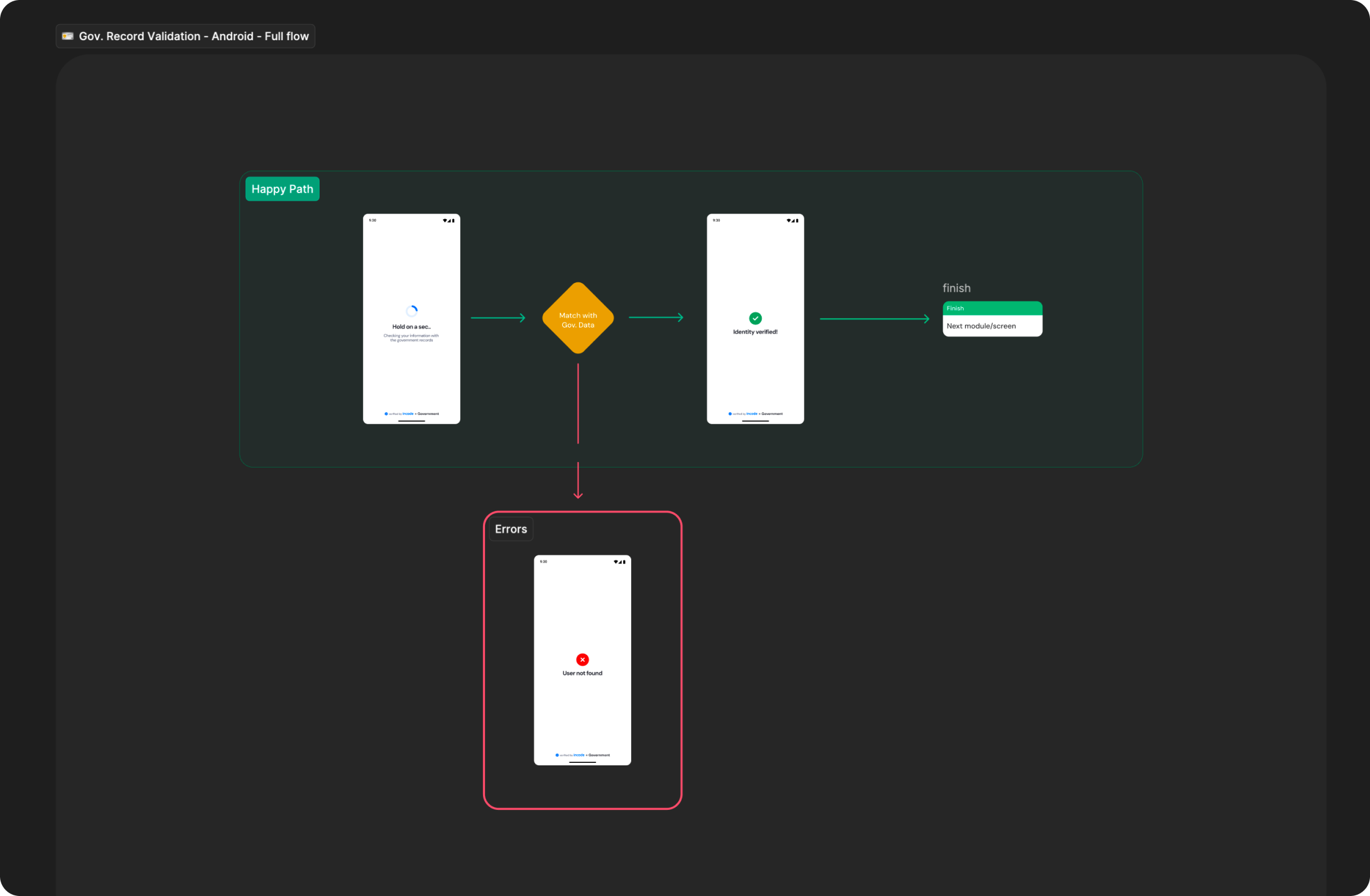
Full Flow Map
This diagram presents the full sequence of screens involved in Government Record Verification, from the verification loading state through to the success and error outcomes.
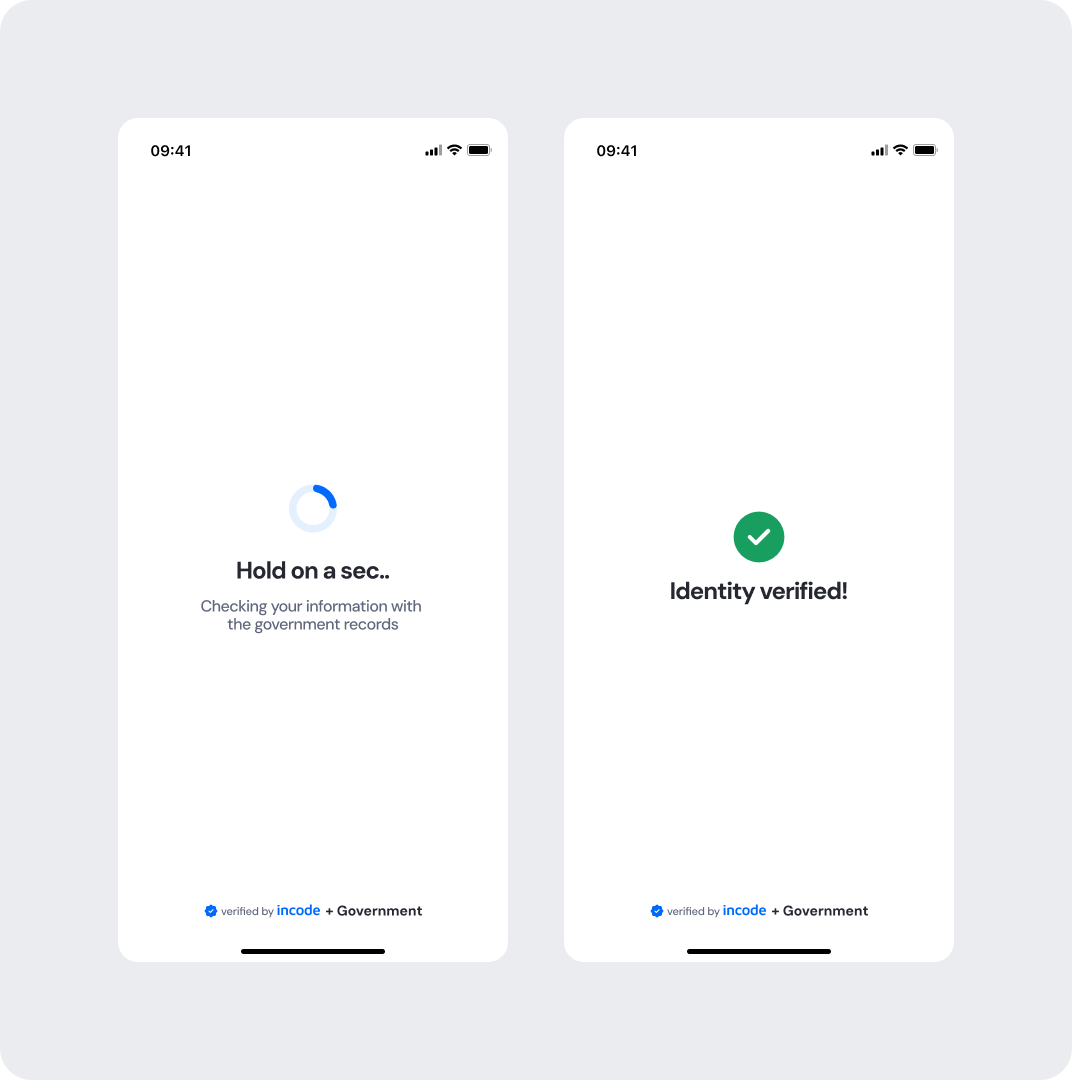
Happy Path (Light & Dark)
The ideal user journey when the identity data is successfully matched against the government records with no interruptions.
The happy path represents the smoothest version of the experience, where the user's information is found and matched in the government registry without errors or retries. The flow moves directly from the verification loading state to the success confirmation. Both light and dark mode previews are included so teams can validate visual consistency across themes.
Light mode
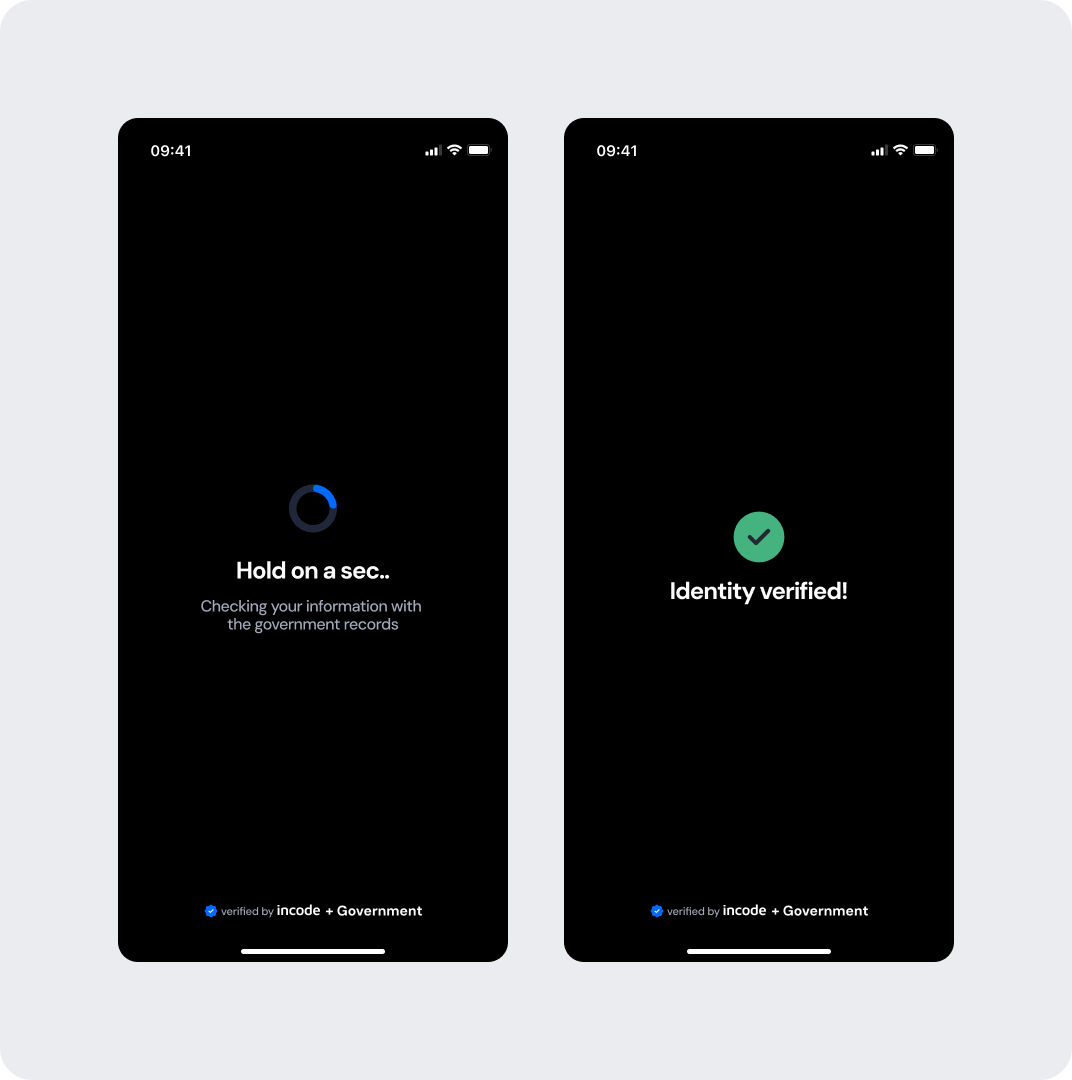
Dark mode
Best Practices
Recommended guidelines for designing and implementing the Government Record Verification experience.
✅ Do
- Keep the loading state copy clear and specific — inform the user their information is being checked against government records.
- Display a clean, unambiguous success state so users feel confident before proceeding.
- Provide clear error states that explain the issue without technical language and guide the user on next steps
- Use the "verified by Incode + Government" footer to reinforce trust and transparency.
❌ Don’t
- Don't remove or skip the loading state — users need to understand verification is in progress.
- Don't use generic loading copy; always reference the government record check explicitly.
- Don't rely solely on color to communicate the verification outcome.
- Don't remove error states, as they correspond to specific logic that must be surfaced to the user.
Updated about 1 month ago