
Screens & States
A complete view of all screens the user may encounter during the Manual Upload ID experience. Each state includes a brief description and a direct link to its source in Figma.
Open Full Screen and Specs in Figma
Source of truth for layout, visual specs, interactions, and platform variations.
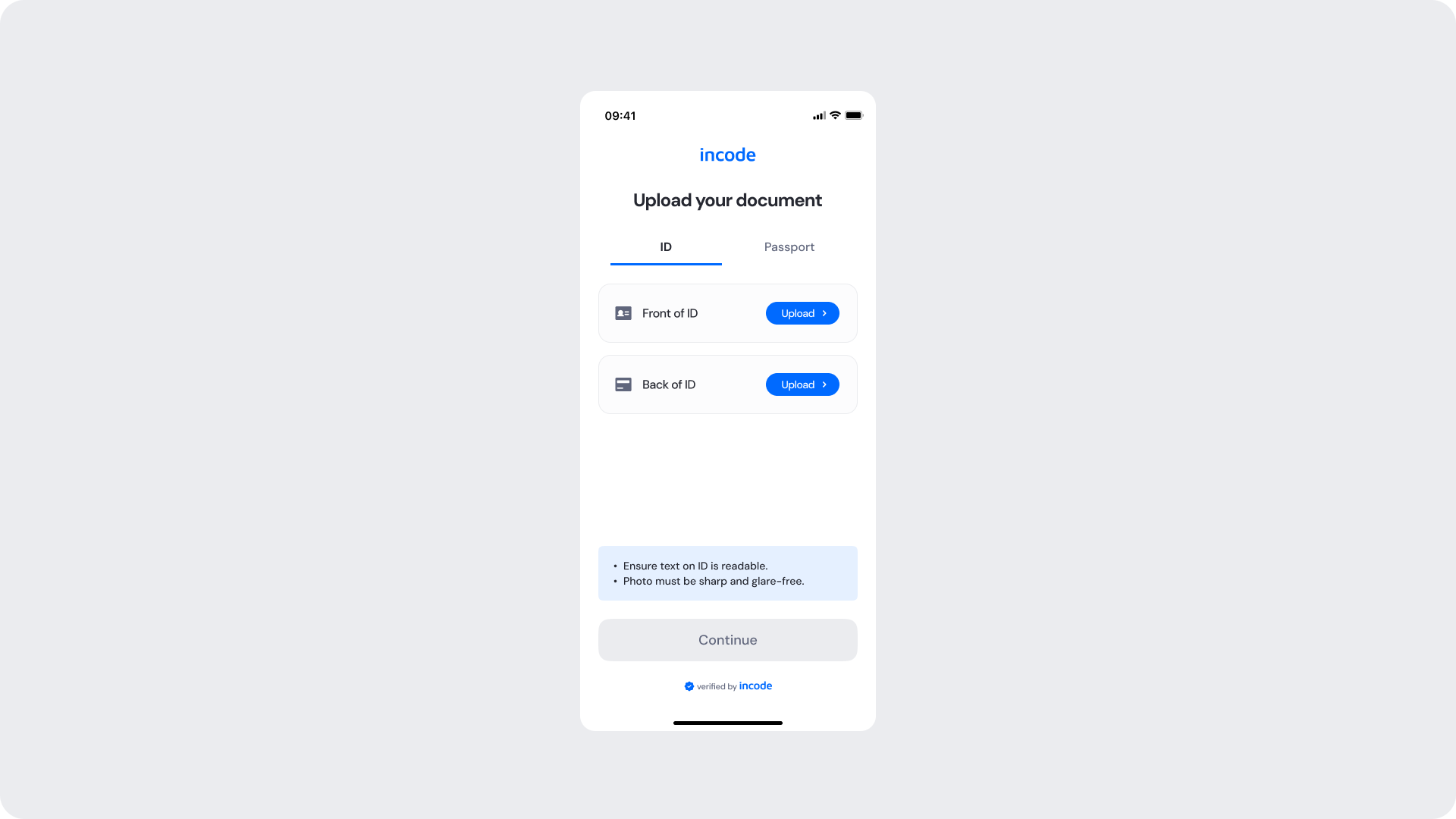
Upload Your Documents
The main upload screen where the user selects their document type — such as ID or Passport — and uploads the front and back sides of their document from their device's photo library or files. The Continue button remains disabled until both sides have been successfully uploaded and validated. Image quality hints are shown to help users submit files that can be processed correctly.
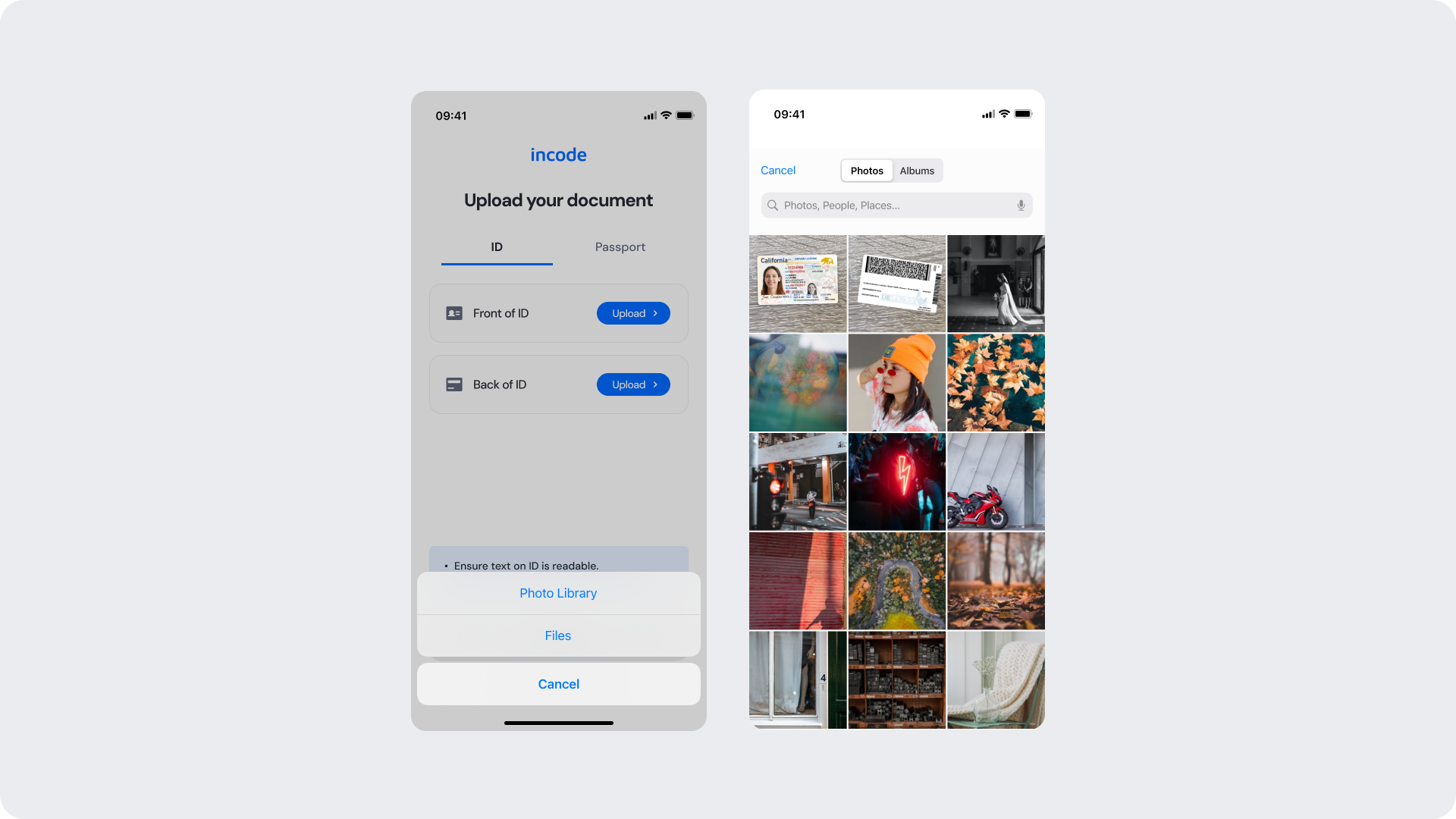
Library
The native file picker presented when the user taps an Upload button. The user can browse their photo library or files to select the appropriate document side. This screen is controlled by the operating system and opens directly within the upload flow.
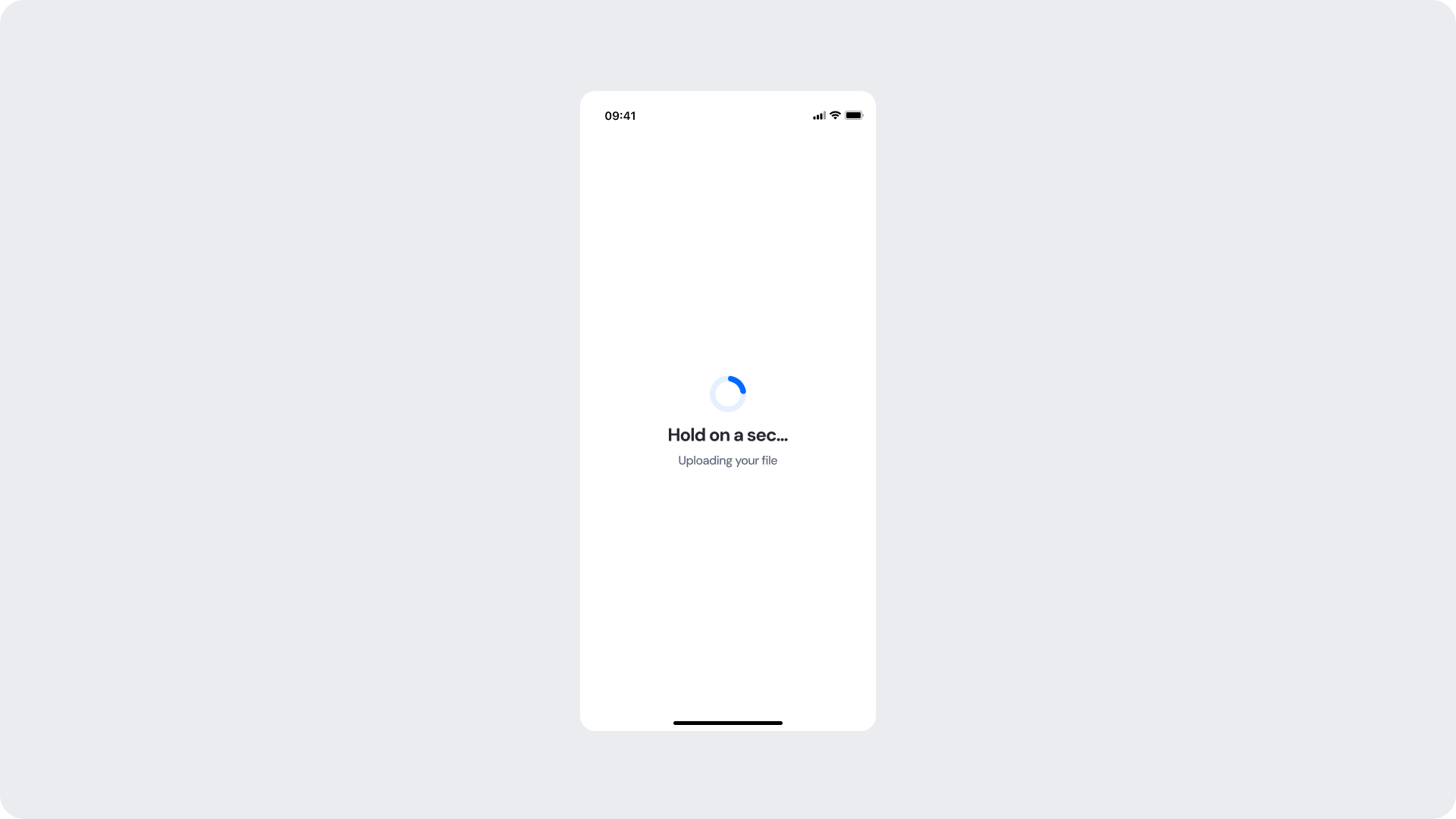
Uploading
Shown while a selected file is being uploaded to the system. A loading spinner and a status message keep the user informed while the operation completes in the background.
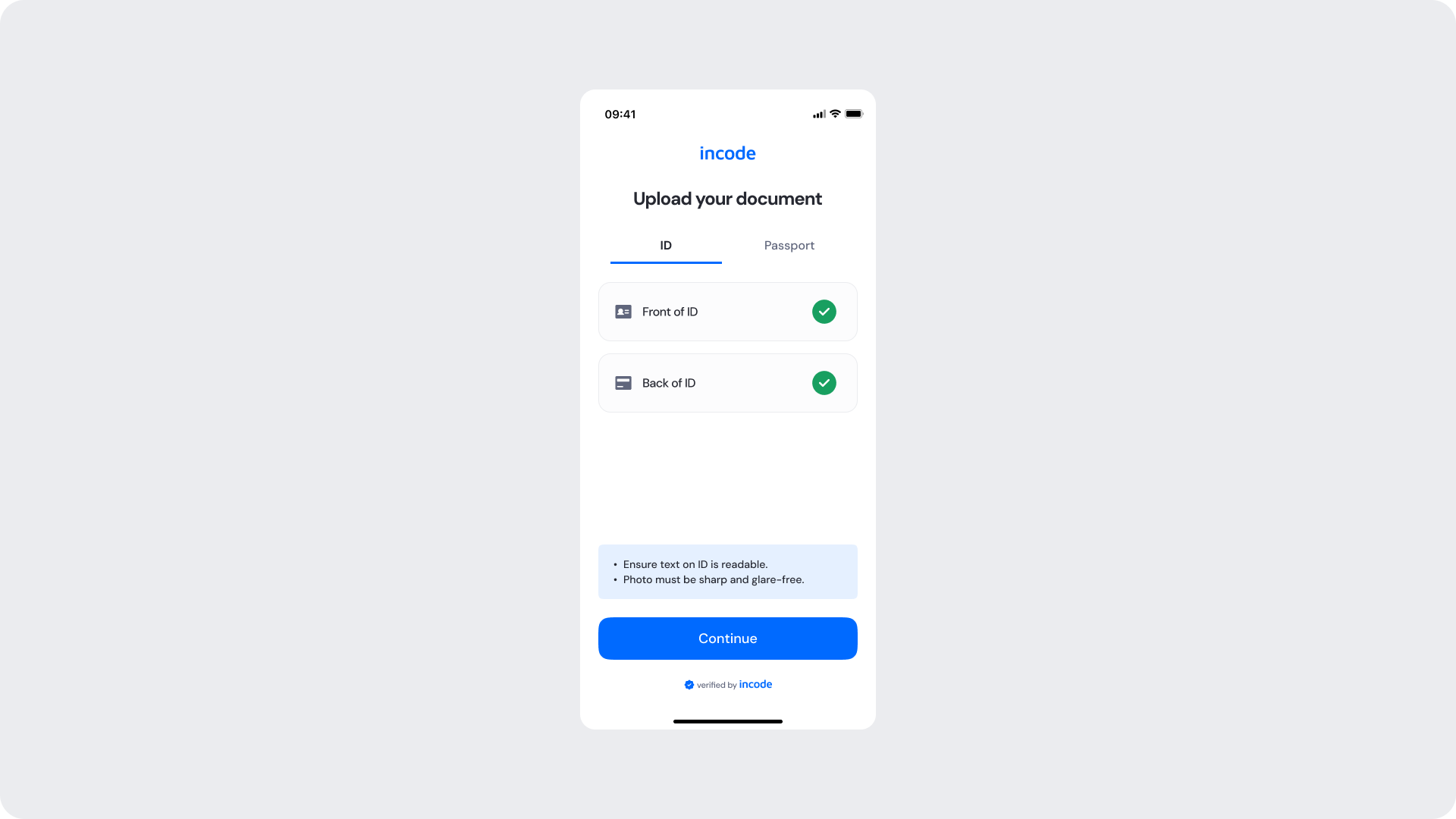
Ready for Verification
Shown once both document sides have been successfully uploaded and confirmed with a green checkmark indicator per side. The Continue button becomes active, allowing the user to proceed to the verification step.
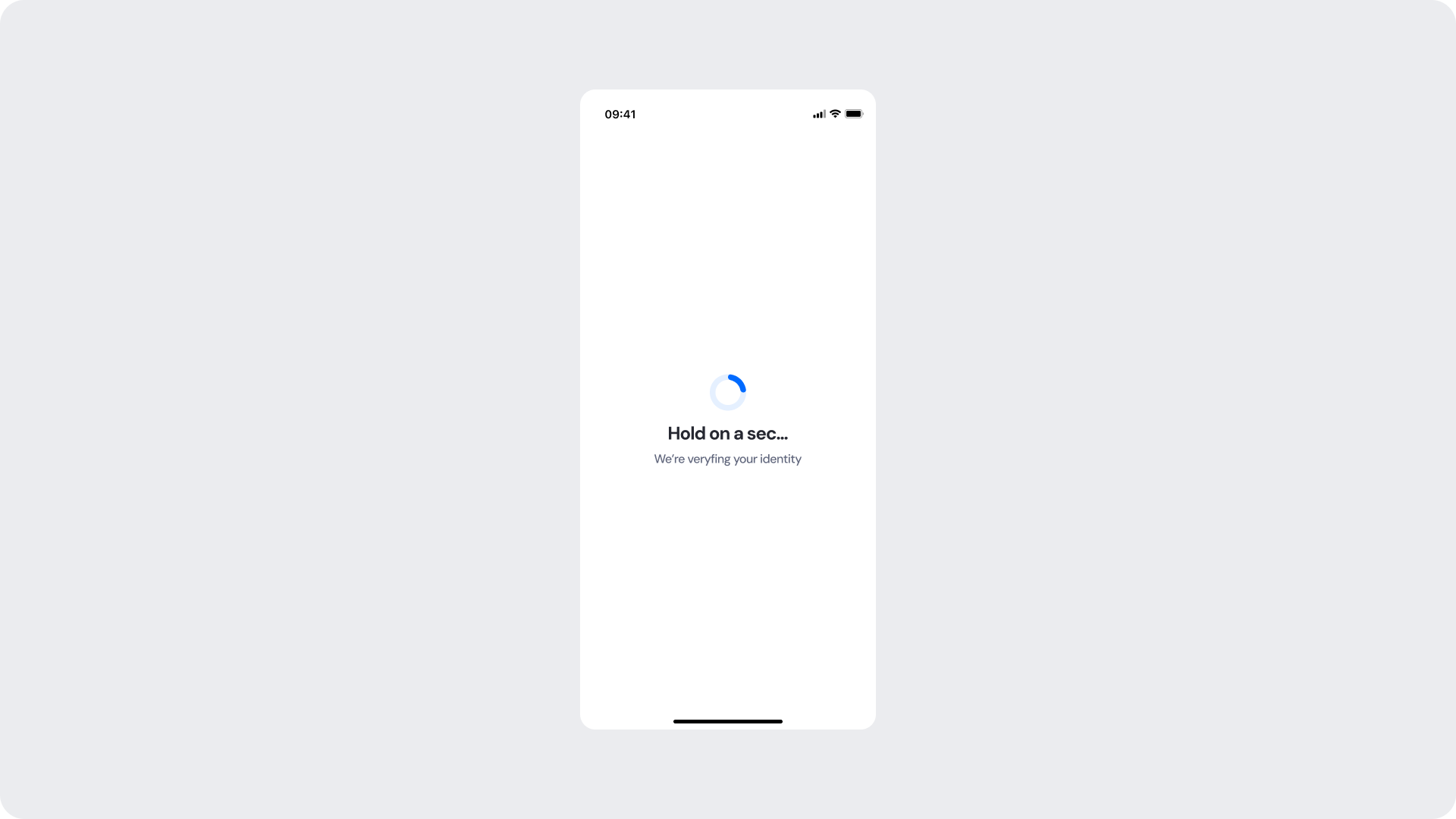
Verifying
Shown while the system processes the uploaded document files and verifies the identity. A loading spinner and a status message keep the user informed while the operation completes in the background.
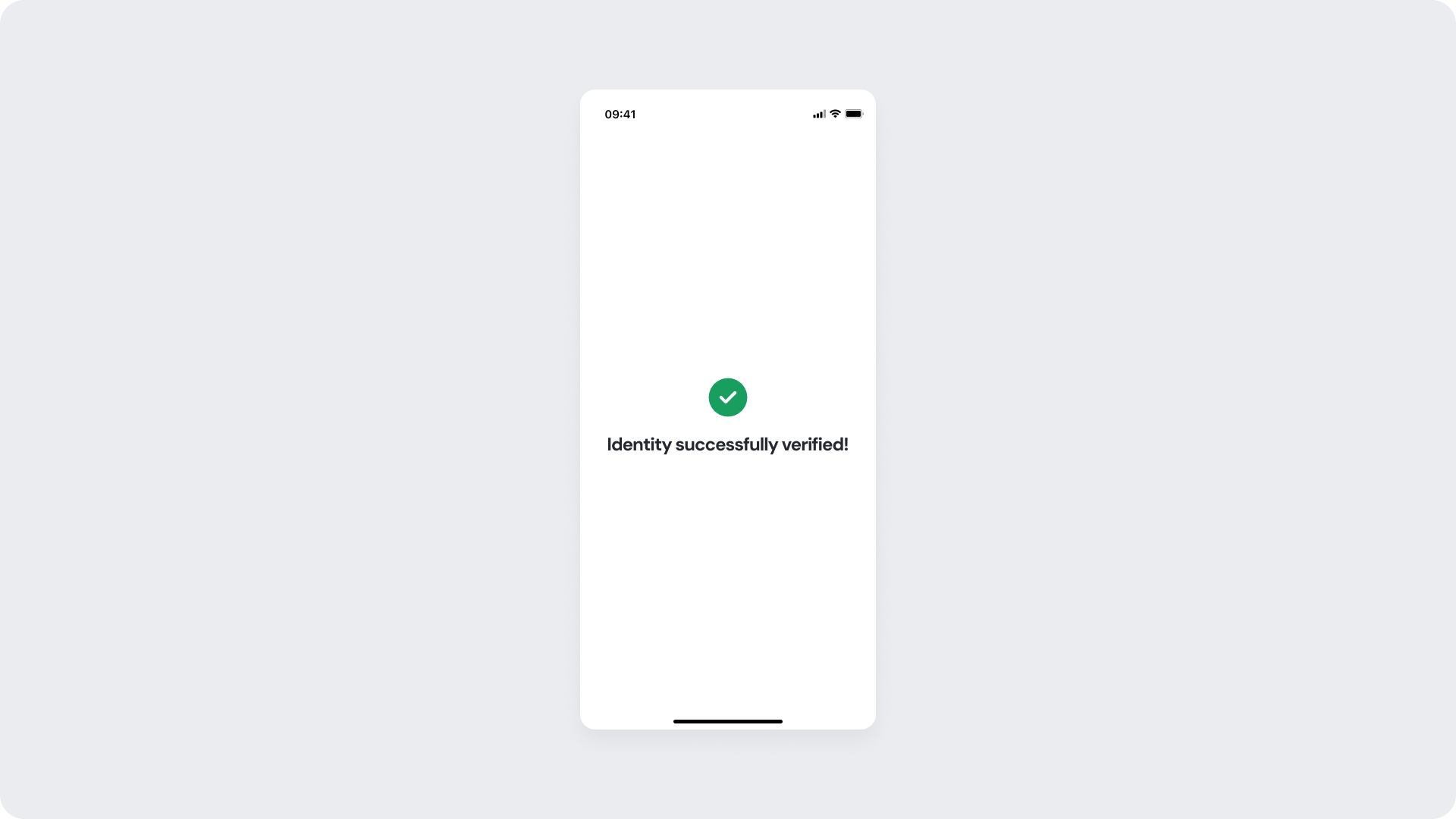
Success
Shown when the identity has been successfully verified. The user receives a clear visual confirmation before the flow continues to the next step.
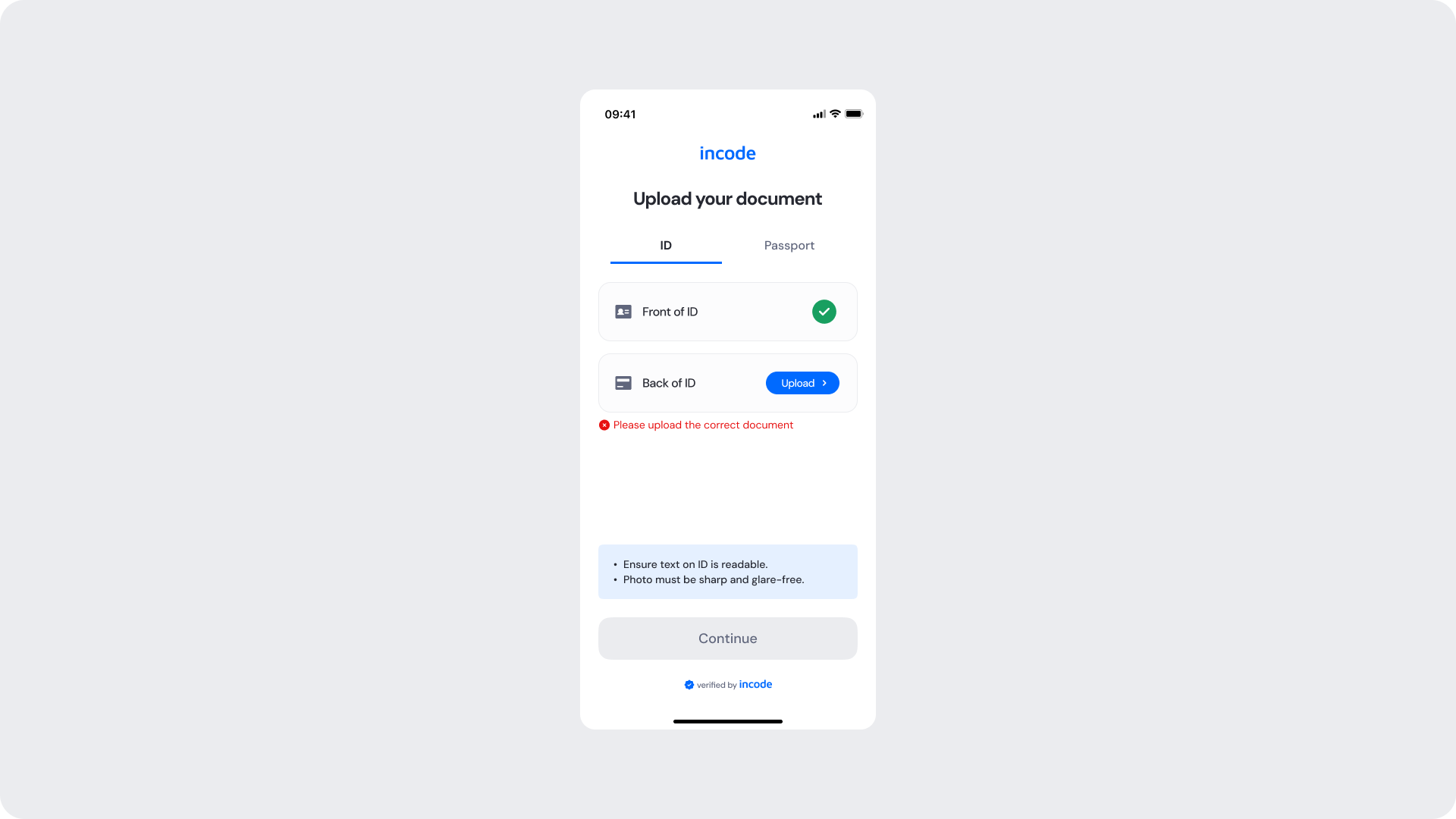
Errors
Shown inline on the upload screen when a document side is rejected or an incorrect file is uploaded. The user is notified with a clear error message directly below the affected upload row and prompted to upload the correct document. The Continue button remains disabled until the issue is resolved.
Updated about 1 month ago