
Screens & States
A complete view of all screens the user may encounter during the Government Record Verification experience. Each state includes a brief description and a direct link to its source in Figma.
Government Record Verification
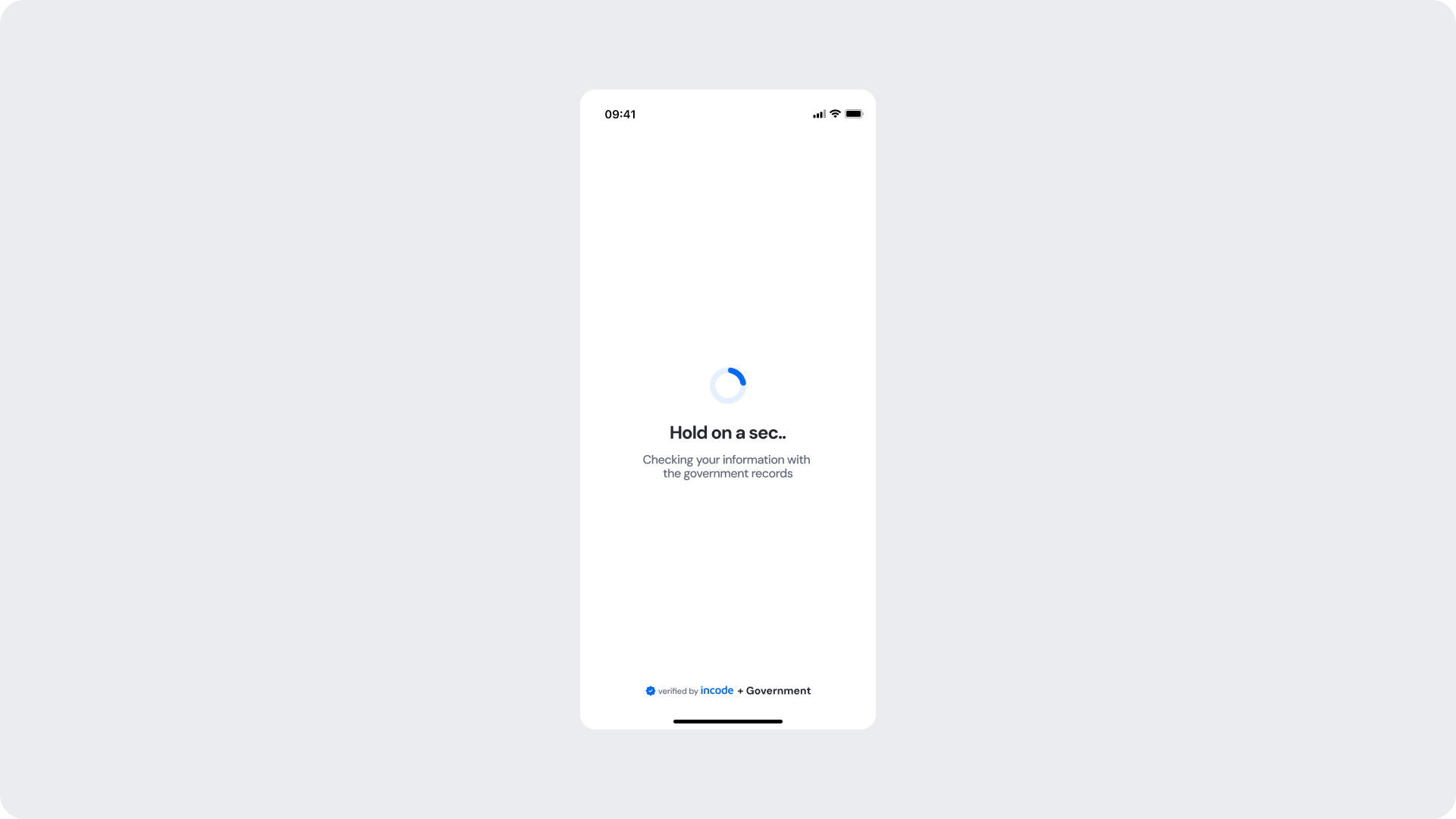
This screen appears while the module runs a background check, comparing the identity data extracted from the document against the records held by the corresponding government entity. The user is informed that verification is in progress with a loading spinner and a status message referencing the government records source.
Success
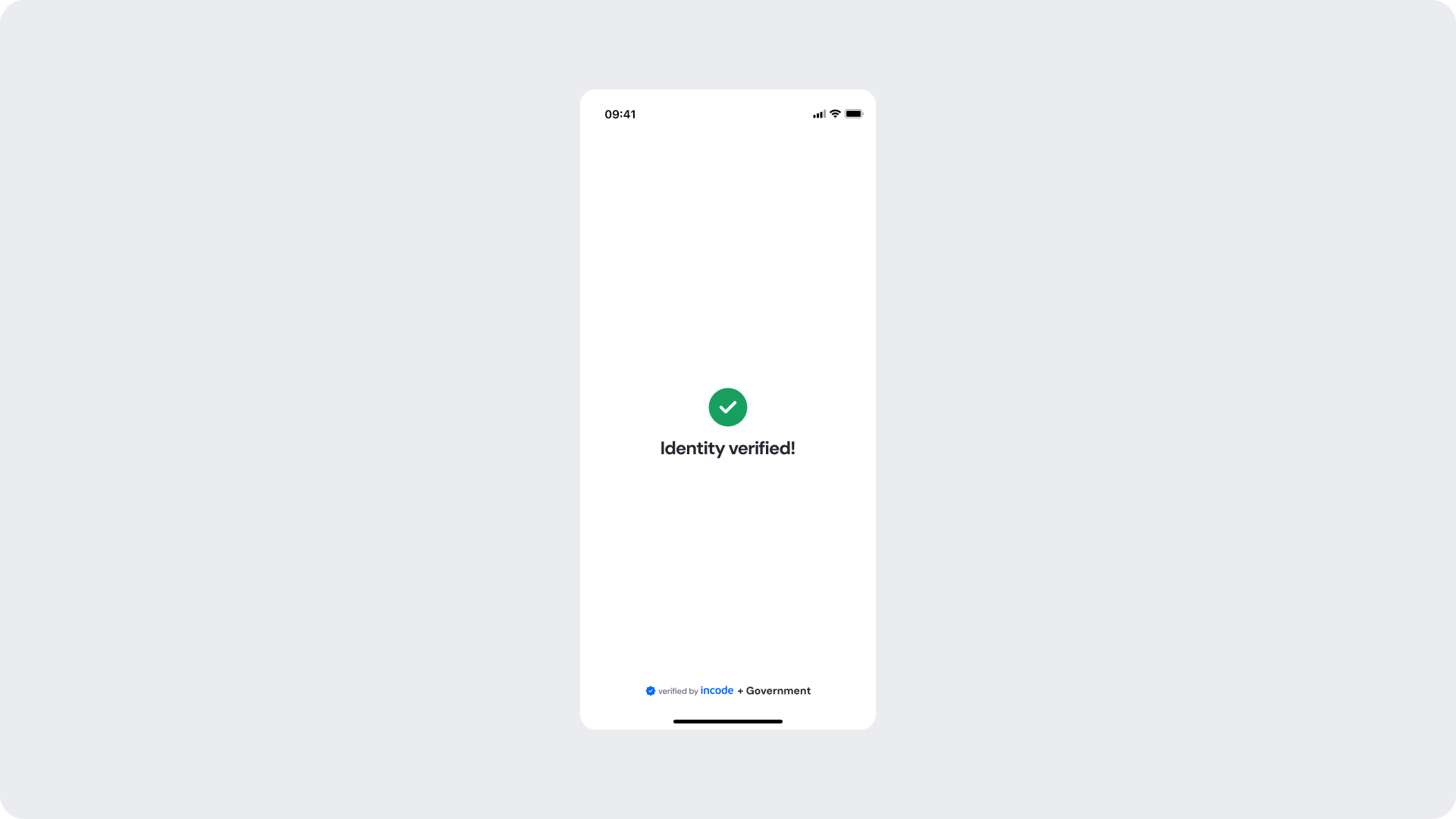
Shown when the identity data has been successfully matched against the government records, confirming that verification passed. The user receives a clear visual confirmation before the flow continues to the next step.
Error
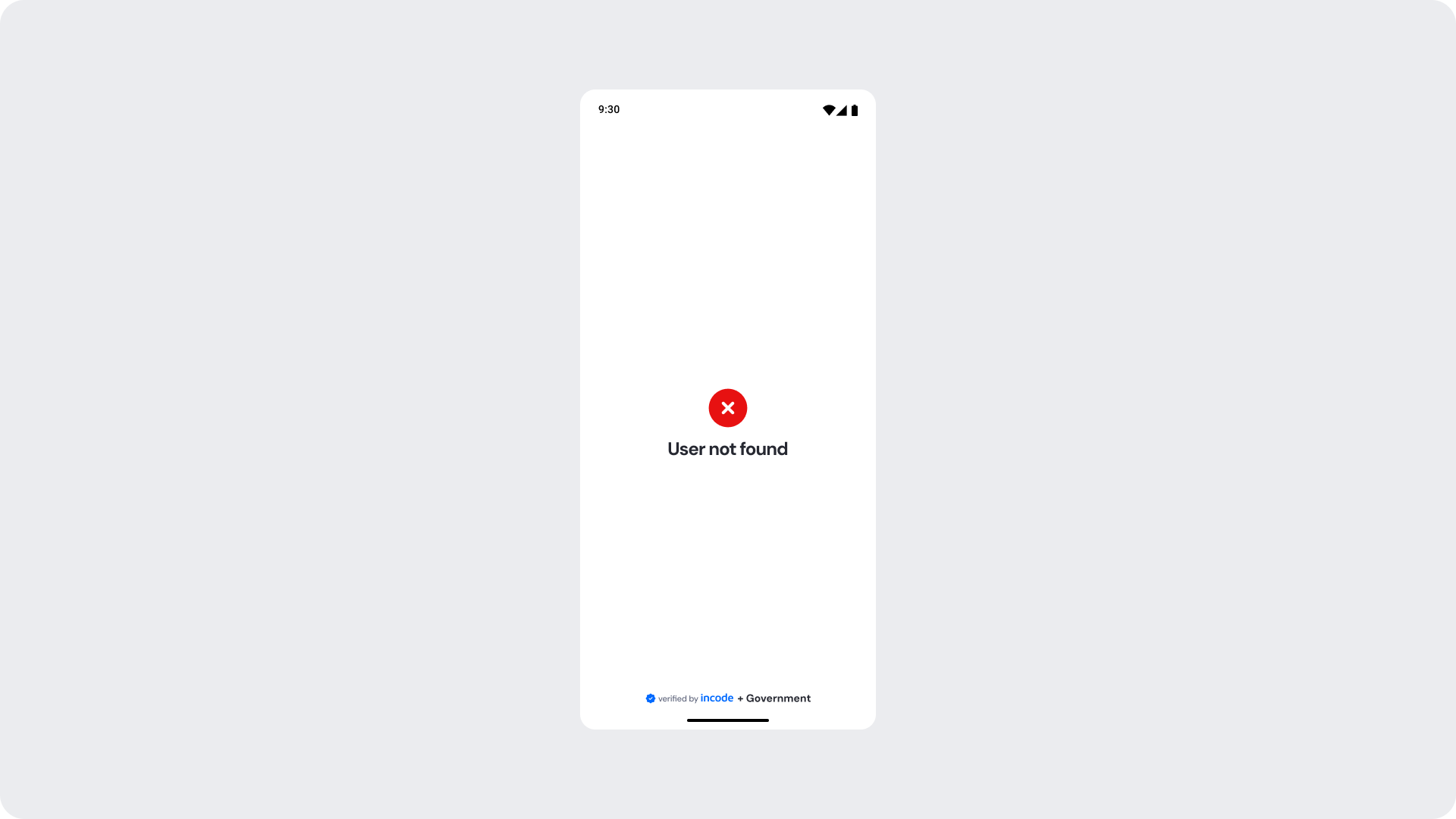
Shown when no matching record is found for the provided identity data in the government registry. The user is informed with a clear error message and the flow cannot continue until the issue is addressed.
Updated about 1 month ago