
Screens & States
This section provides a complete overview of all possible user-facing states within the Watchlist for business
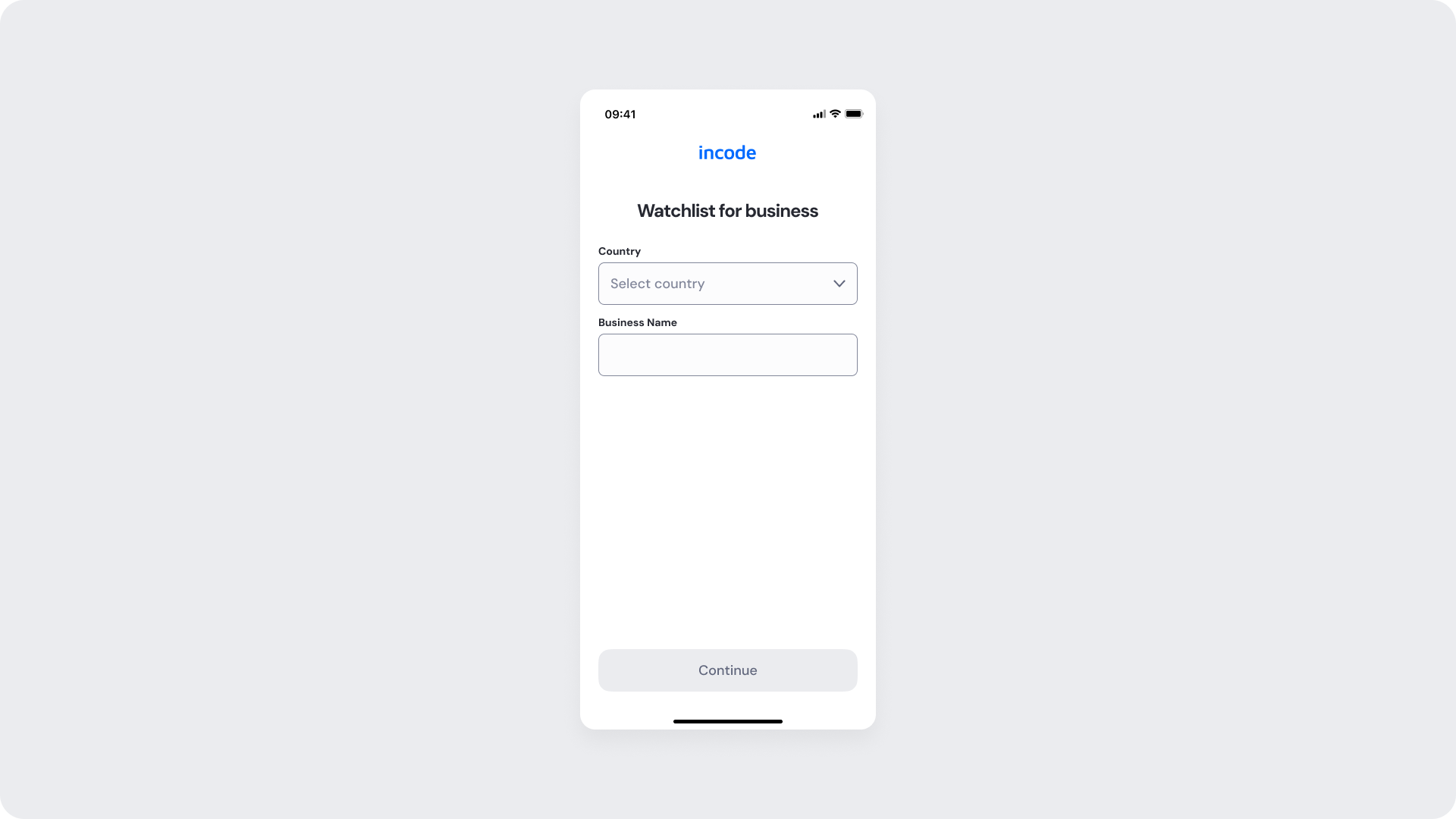
Watchlist Empty
The initial state displays a simple business information form where users provide the business name and country before starting the watchlist screening process.
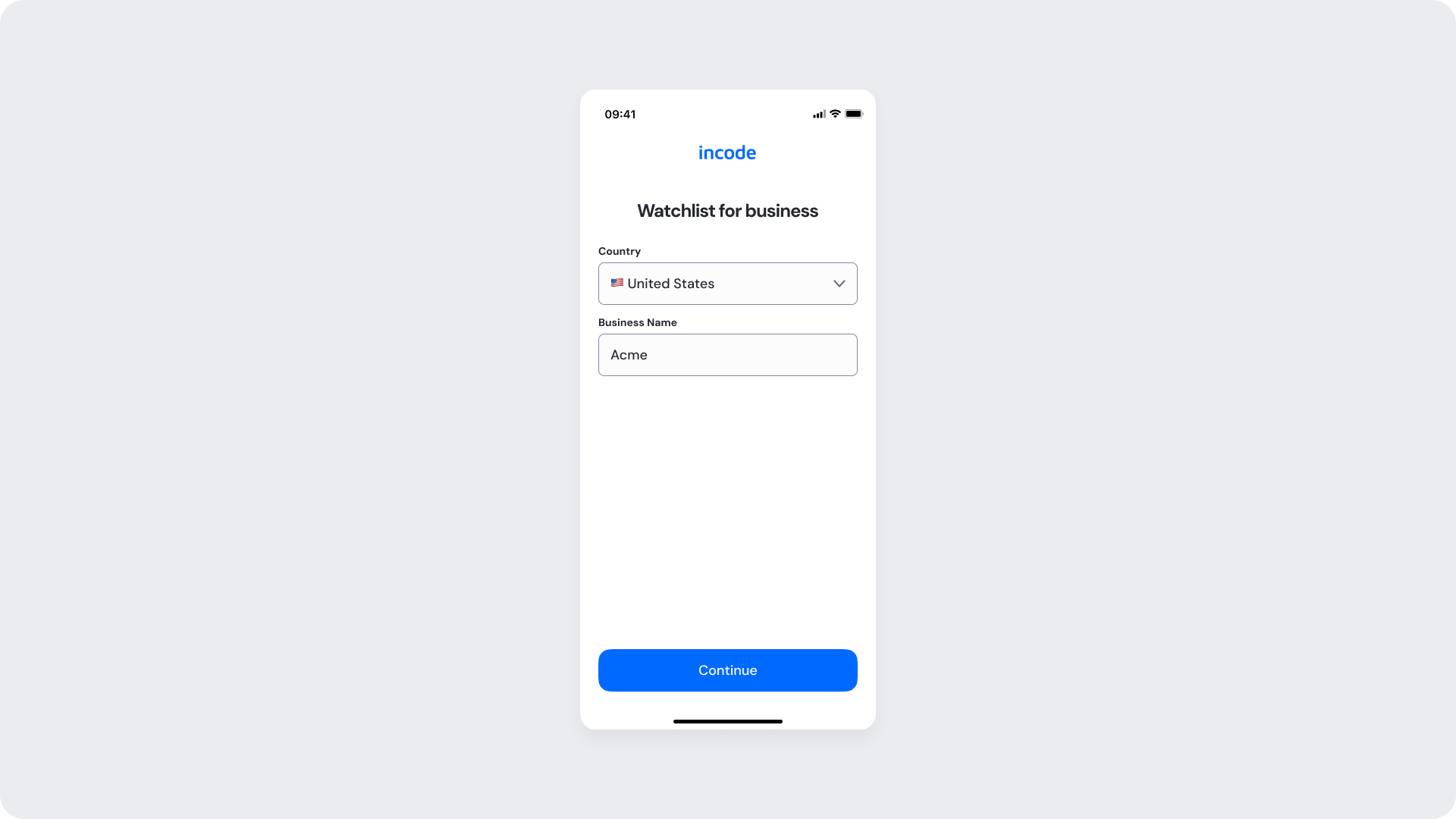
Watchlist Filled
The filled state displays the completed business information form after the user has entered the business name and selected the country, preparing the screening request for submission.
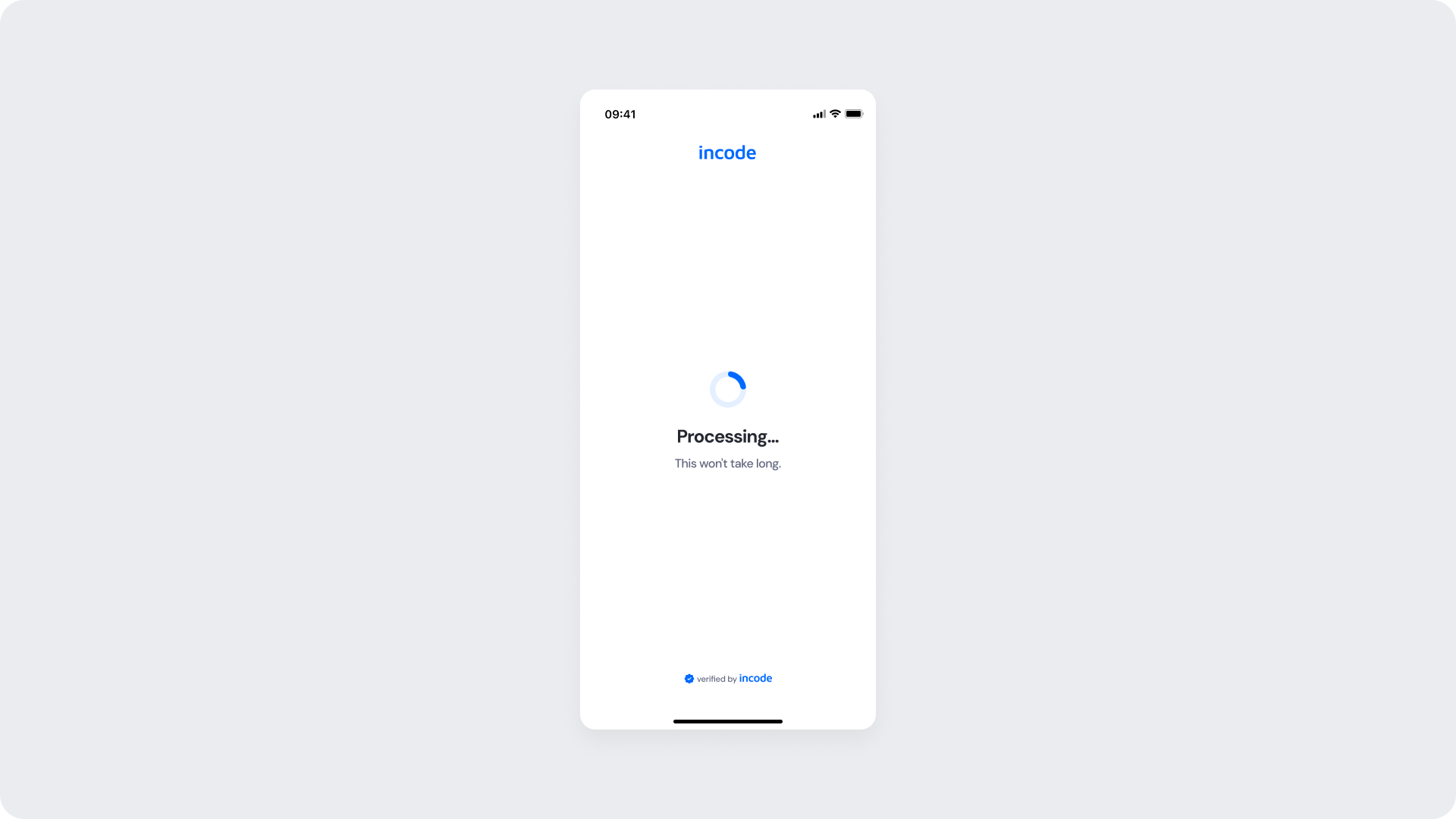
Watchlist Processing
A loading indicator and processing message communicate that the screening is actively in progress while temporarily preventing duplicate submissions or interruptions.
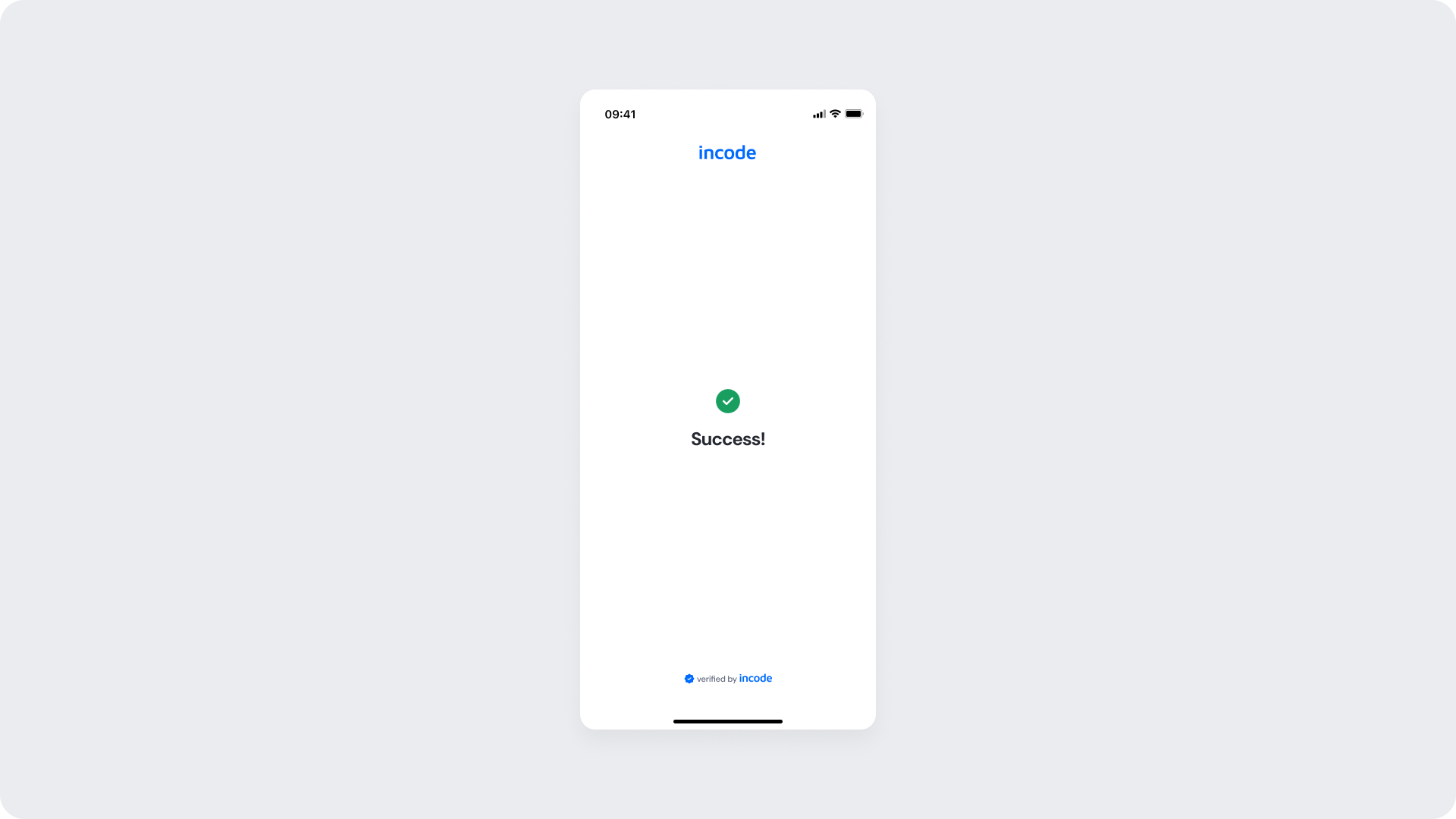
Watchlist Success
The screen displays a success indicator and confirmation message, communicating that the user’s information has been successfully screened.
Updated 2 months ago