
V1 vs V2 Comparison
V1 provides a basic custom fields capture experience, focused primarily on collecting additional user data — such as name, date of birth, or city — through simple form inputs with limited customization and visual feedback.
V2 redesigns the data entry flow for greater clarity, consistency, and customization — introducing improved field states, enhanced validation feedback, and full alignment with the token-based design system.
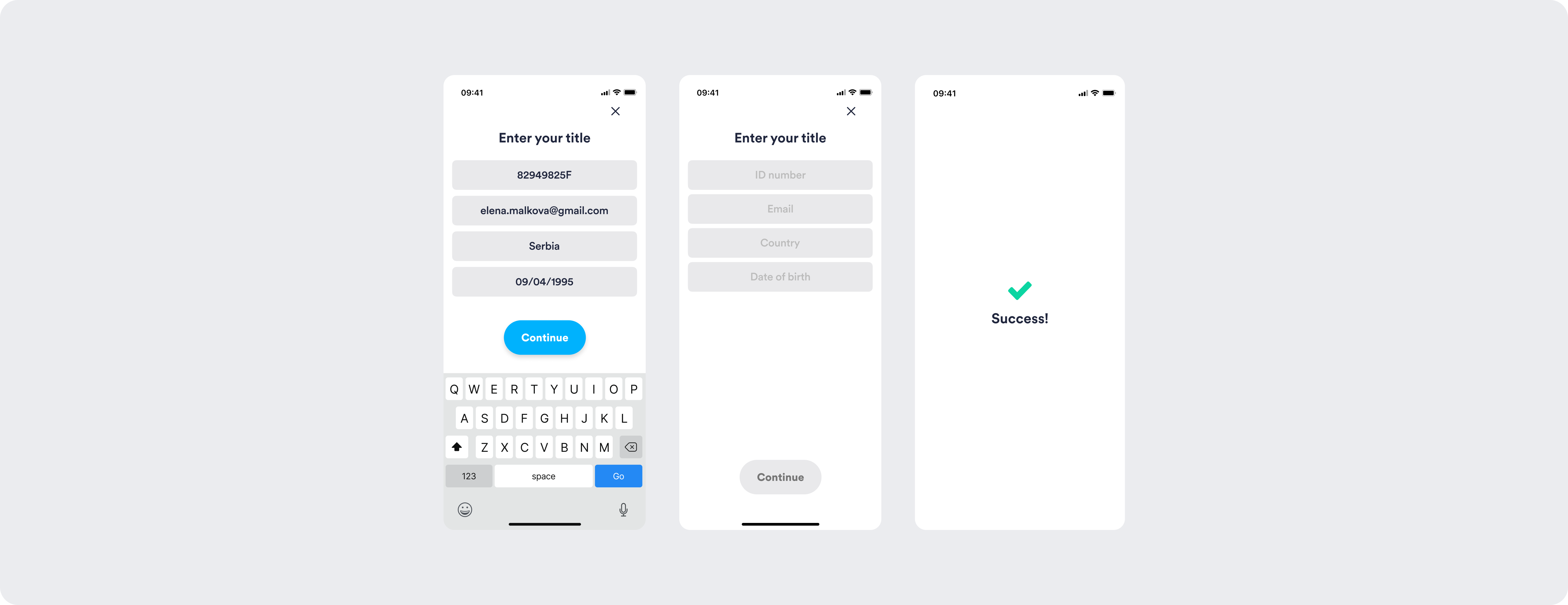
V1 is a basic Forms and data entry experience with limited guidance.
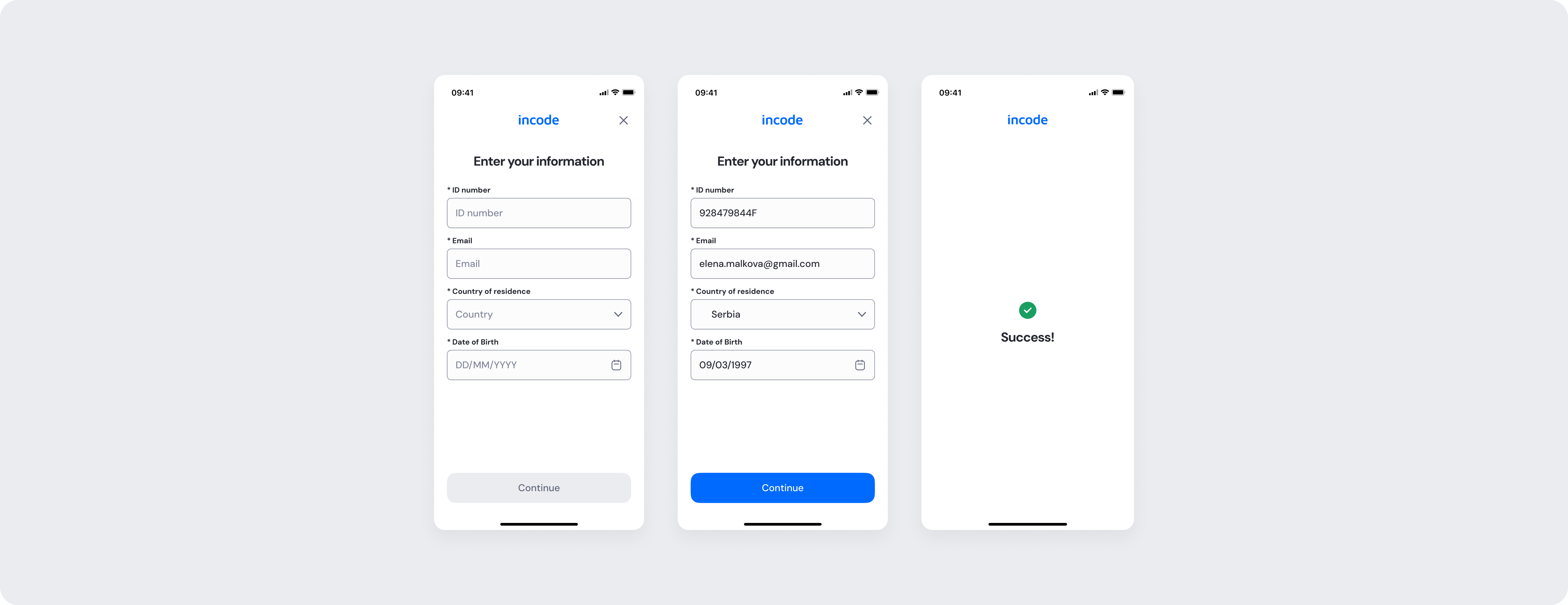
V2 delivers a more structured, guided, and branded Advanced signature experience.
Feature Comparison
Functional capabilities of the module (objective features only; no UX or performance differences).
| Capabilities | V1 | V2 | Notes |
|---|---|---|---|
| Forms experience | ✅ | ✅ | Core functionality present in both versions. |
| Customization options | ❌ | ✅ | V1 provides limited customization options, while V2 allows full control over text, colors, buttons, illustrations, and behavior. |
| Documentation completeness | ❌ | ✅ | V2 provides complete, standardized documentation coverage. |
Behavior Differences
How the module behaves during runtime.
| Behavior | V1 | V2 | Notes |
|---|---|---|---|
| State transitions | Default transitions | Specifically designed screen-by-screen transitions for smoothness | V2 includes transition guidelines as part of the module documentation package. |
| Processing behavior | Static processing screen | Branded processing state with consistent loading behavior | V2 aligns loading behavior with the overall system patterns |
Customization Overview
Customization in V2 is significantly simpler and more consistent across modules.
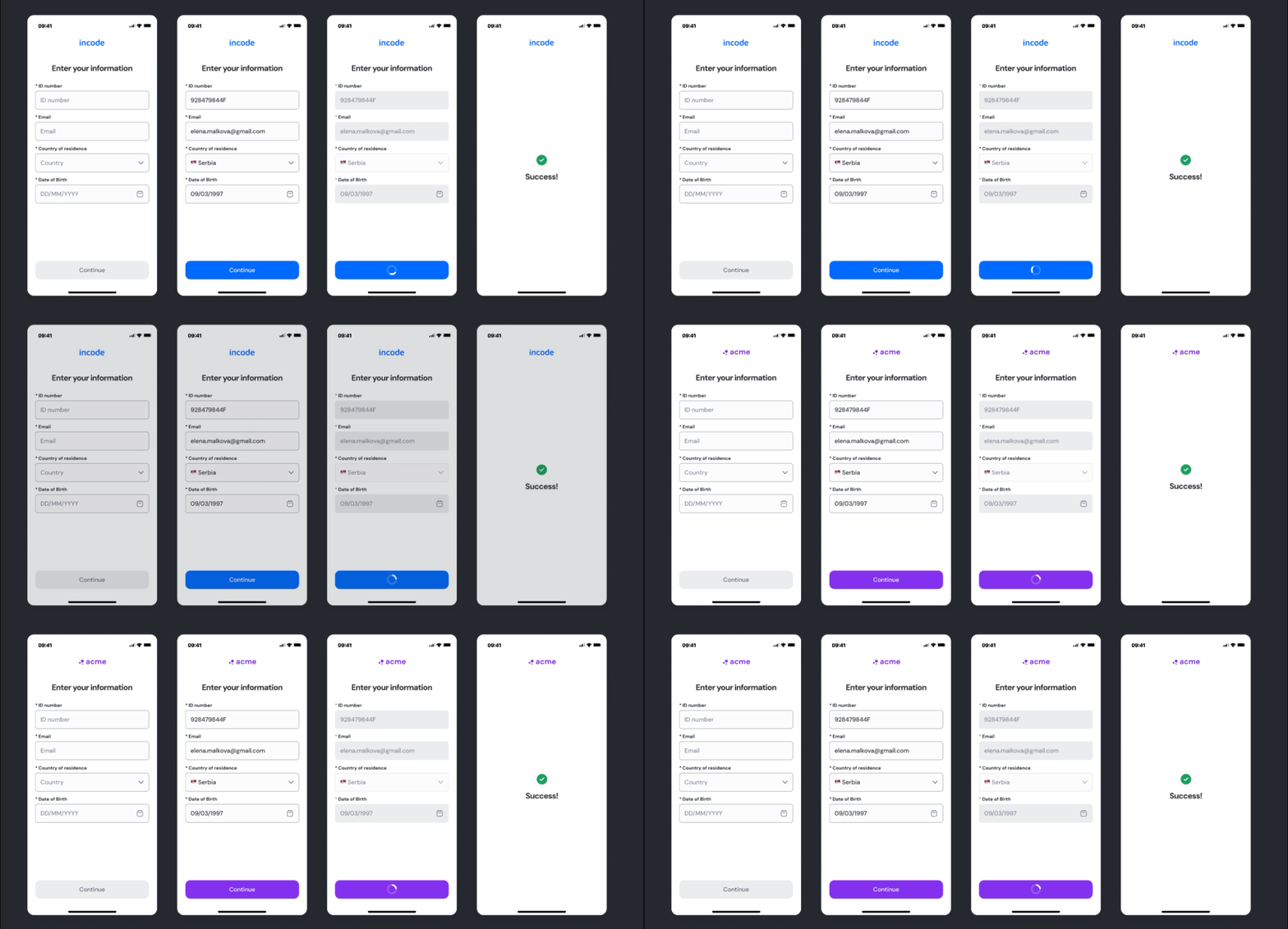
Customizing the experience to match your brand is simpler in V2
Instead of having isolated configuration options per screen or component, V2 uses a unified token-based system that allows developers to control visuals, behaviors, and experience patterns with fewer parameters and predictable outcomes.
This means:
- Less engineering work to override UI elements
- Consistent branding across modules
- Predictable behavior when changing settings
- Reduced risk of breaking flows
- Clear separation between visual tokens and experience configuration
V2 also centralizes all customization options under a single structure, so developers always know where to look and what they can modify.
Updated 2 months ago