
Screens & States
This section provides a complete overview of all possible user-facing states within the Forms and Data Entry
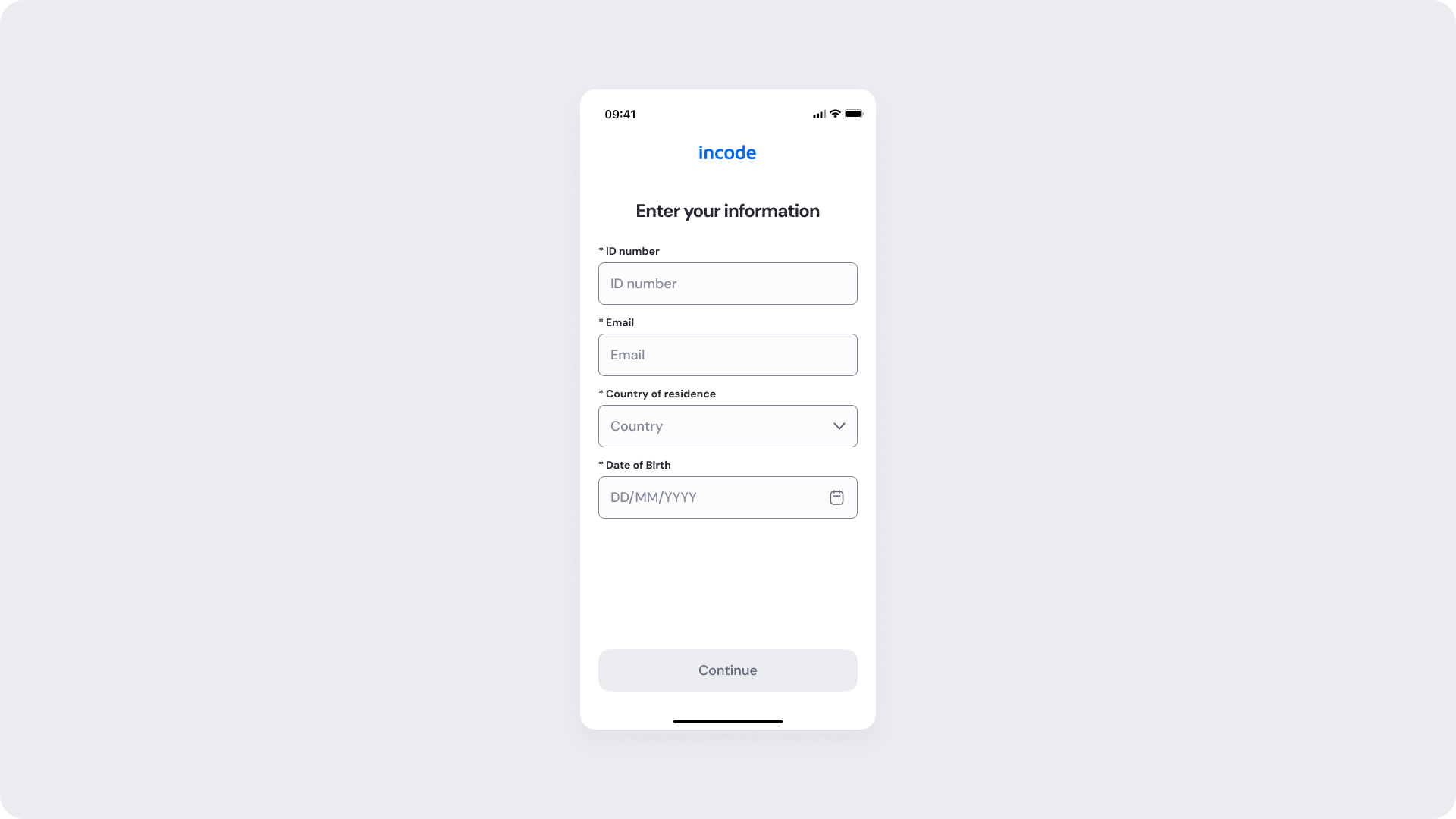
Forms empty
Entry point of the data entry module. This screen presents the user with a form containing four customizable required fields: ID number, Email, Country of residence, and Date of Birth . All fields are empty and the "Continue" button is disabled until the user provides valid input.
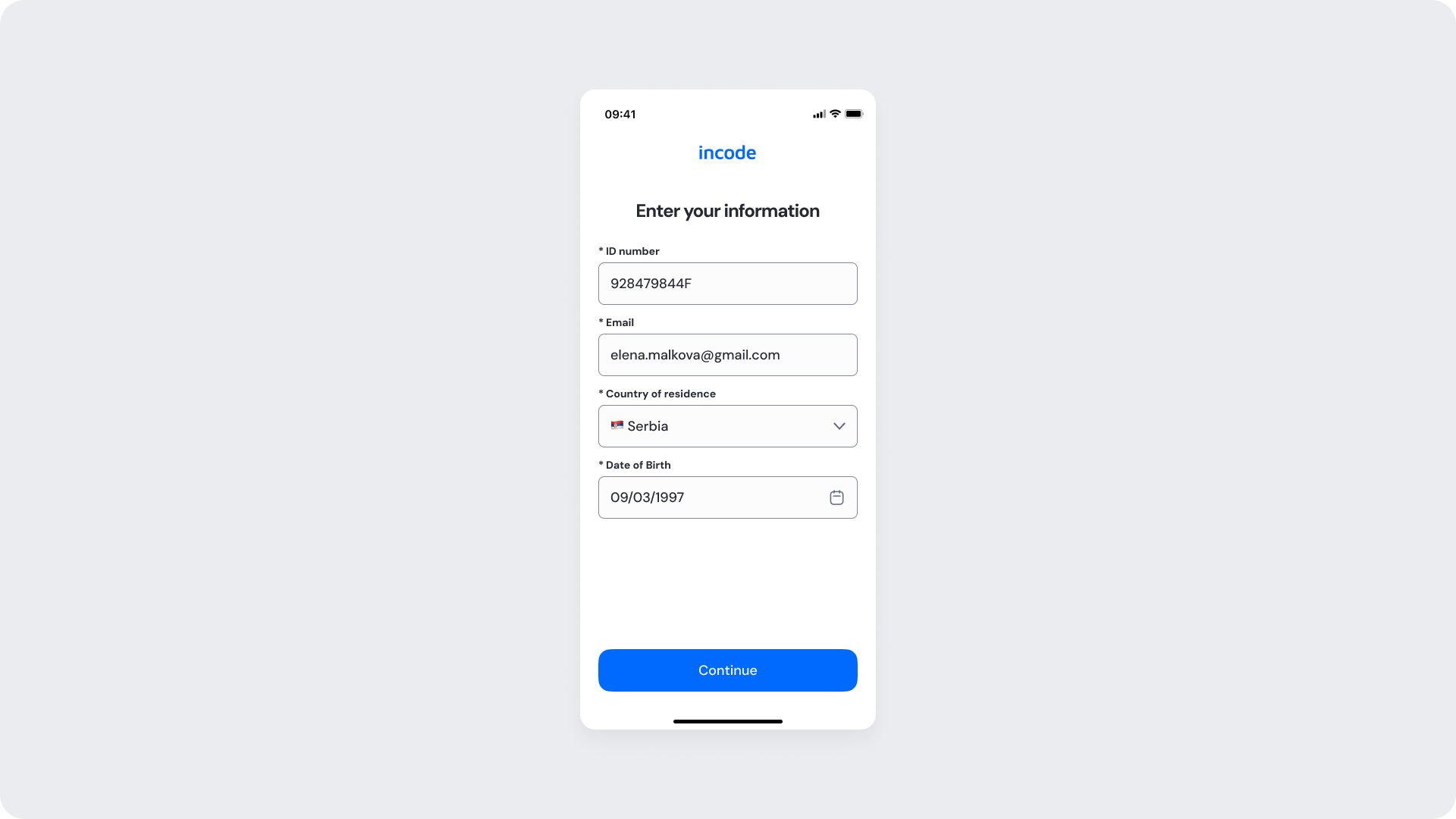
Forms Filled
This state confirms that the user has completed all required fields in the form. All four customizable fields — ID number, Email, Country of residence, and Date of Birth — contain valid input, and the "Continue" button is now enabled, allowing the user to proceed to the next step.
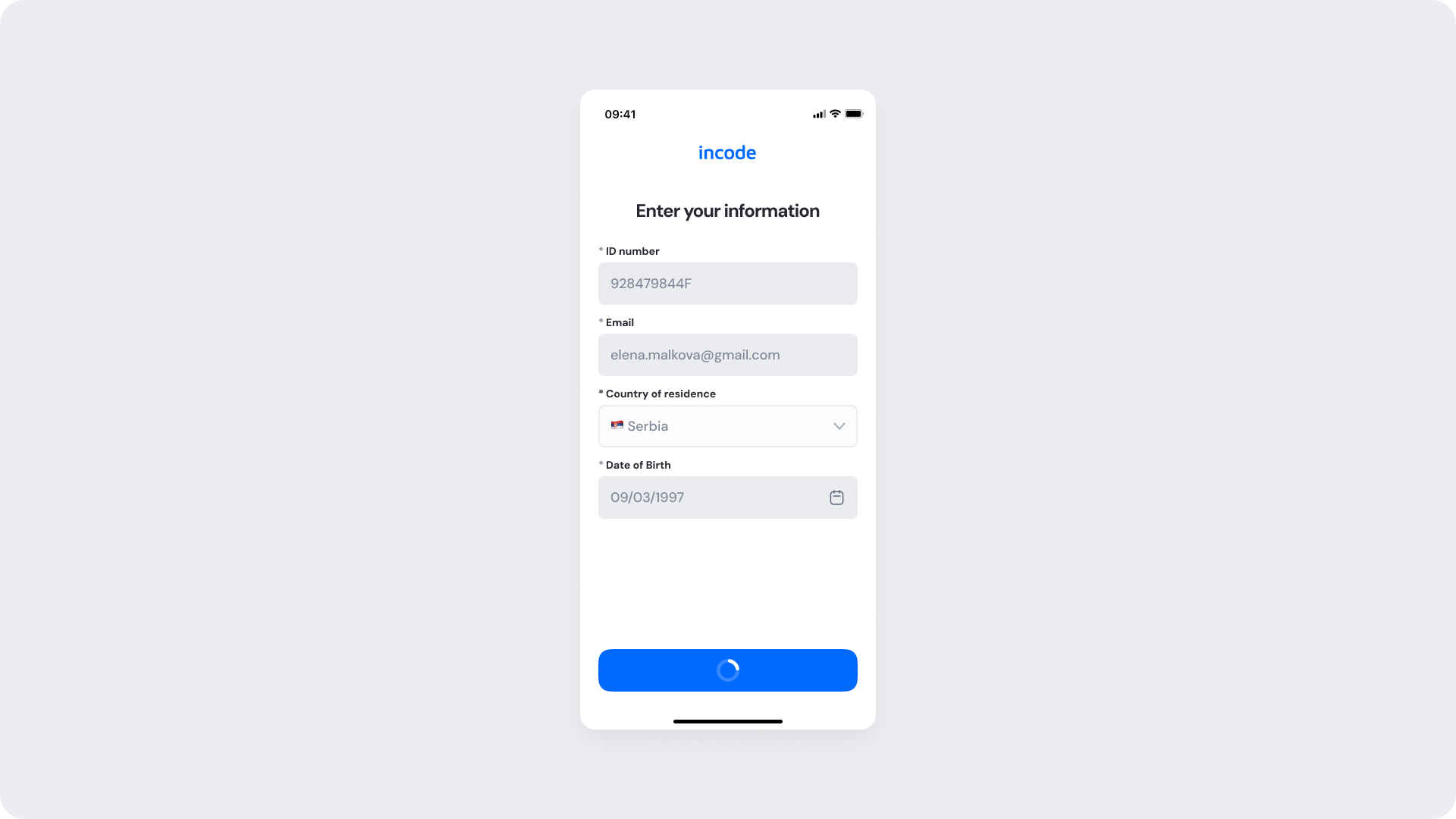
Forms Loading
This state is triggered after the user taps "Continue" with all required fields completed. The form remains visible with the filled data, while the primary button transitions to a loading state, displaying a spinner as the submission is being processed..
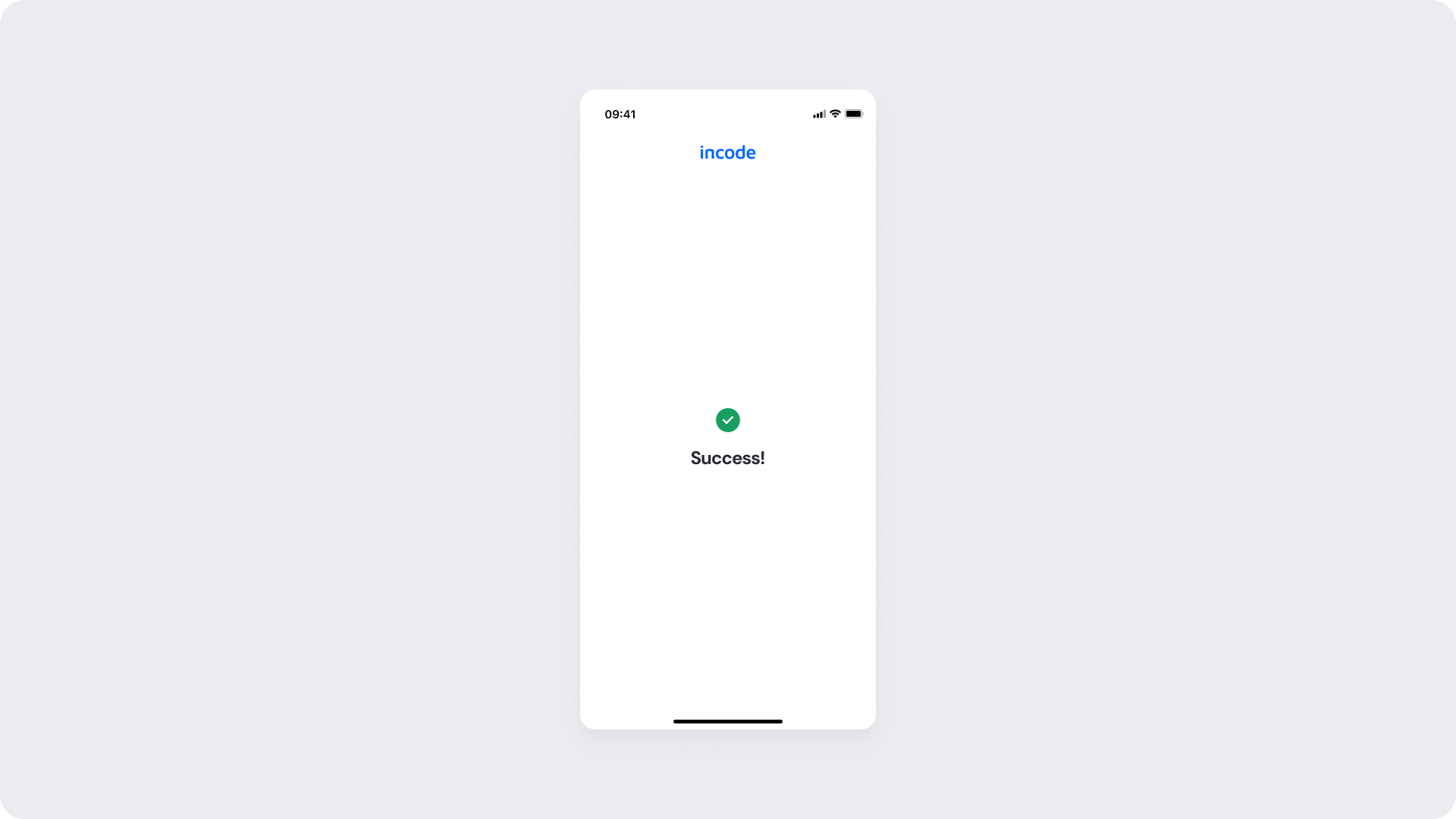
Form Success
This state confirms that the user's information has been successfully submitted. The screen displays a green checkmark icon accompanied by the message "Success!," indicating the process has been completed and the user can proceed to the next step in the flow.
Updated 2 months ago