
Incode Verify identity deletion process
Explains how users can delete their Incode identity profile on-demand at incode.id
Step 1: In a browser, go to incode.id and enter your phone number.
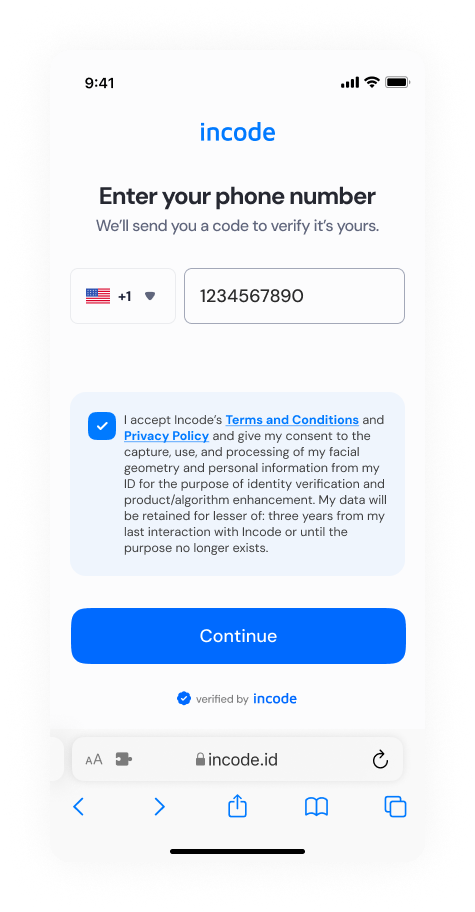
Step 2: Align your face with the dotted outline to log in.

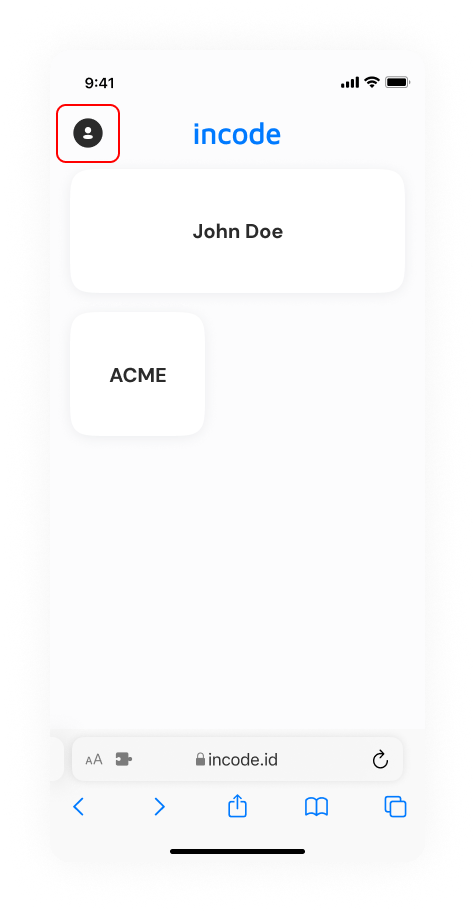
Step 3: Click or tap the Profile icon on the top left
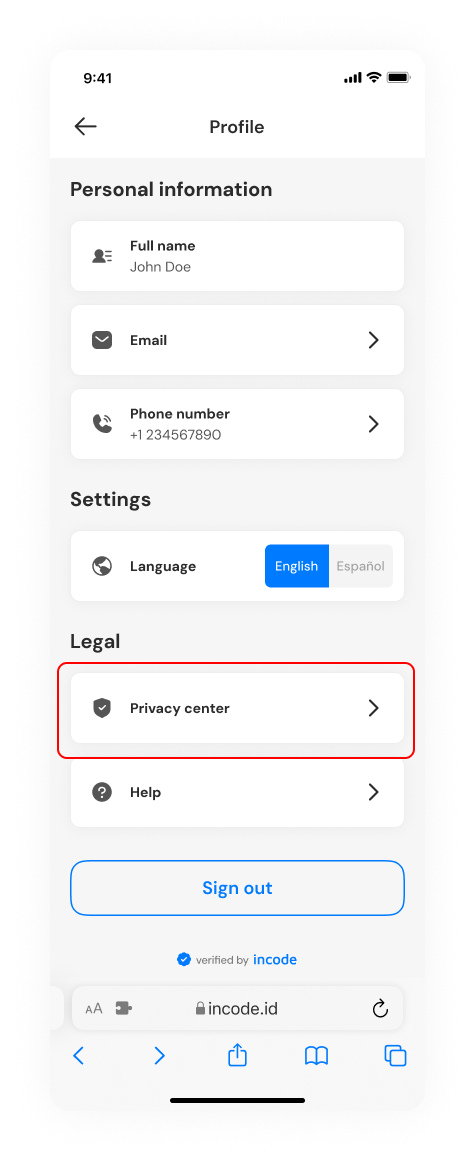
Step 4: Under Legal, click or tap Privacy center
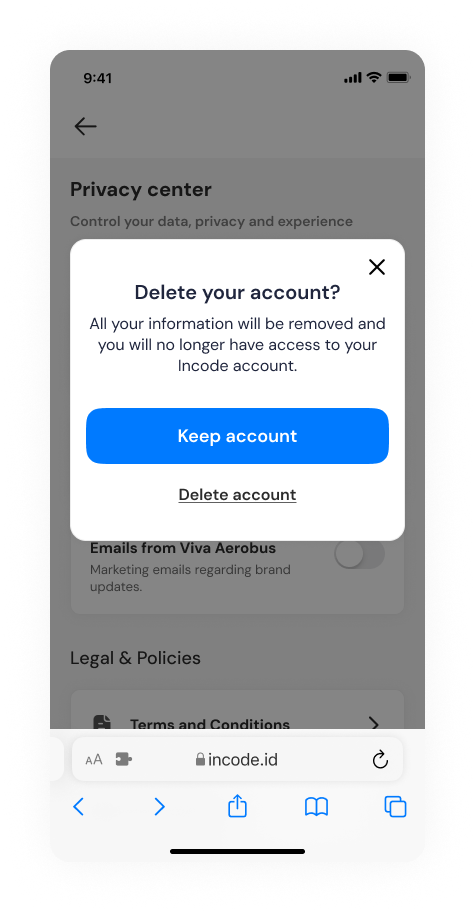
Step 5: Click or tap Delete account
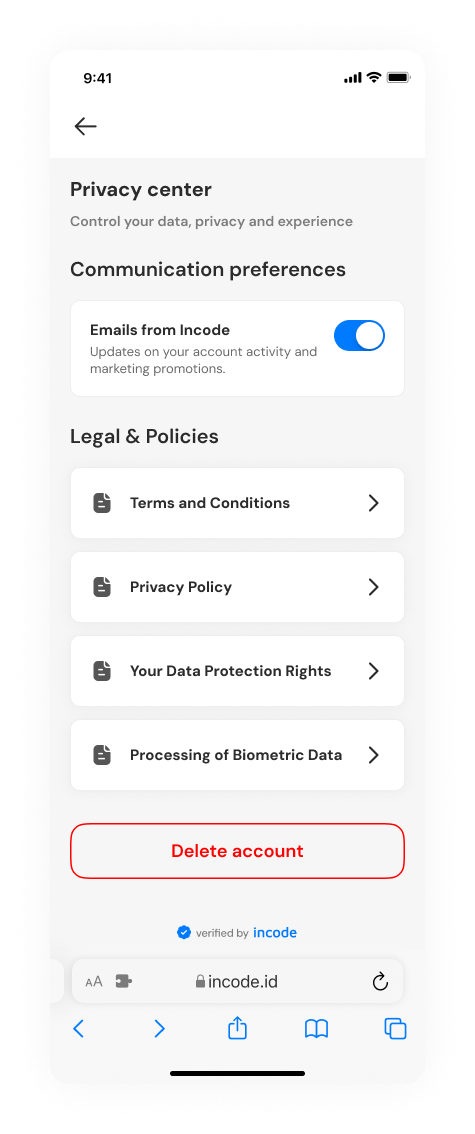
Step 6: Click or tap Delete account to confirm the deletion
Updated 7 months ago
Did this page help you?